
 MONSTERORCHESTRA
80 musical monsters. One tiny orchestra. Pick a creature, play your MIDI, and watch it sing, strike, pluck, blow, bow or drum every note, with every sound synthesised live.
VST3 plug-in and standalone app for Windows 10/11 x64. No samples. Unlock it once with the licence key from your Gumroad receipt, then it works offline.
How it works
A real instrument with a cartoon soul. Every note you play gets a performer.
Pick a monster
Browse 8 families or search by sound. Each monster has its own voice and its own instrument.
Play your MIDI
From your DAW's piano roll, a MIDI keyboard or the built-in keys. The monster performs every note in real time.
Shape the sound
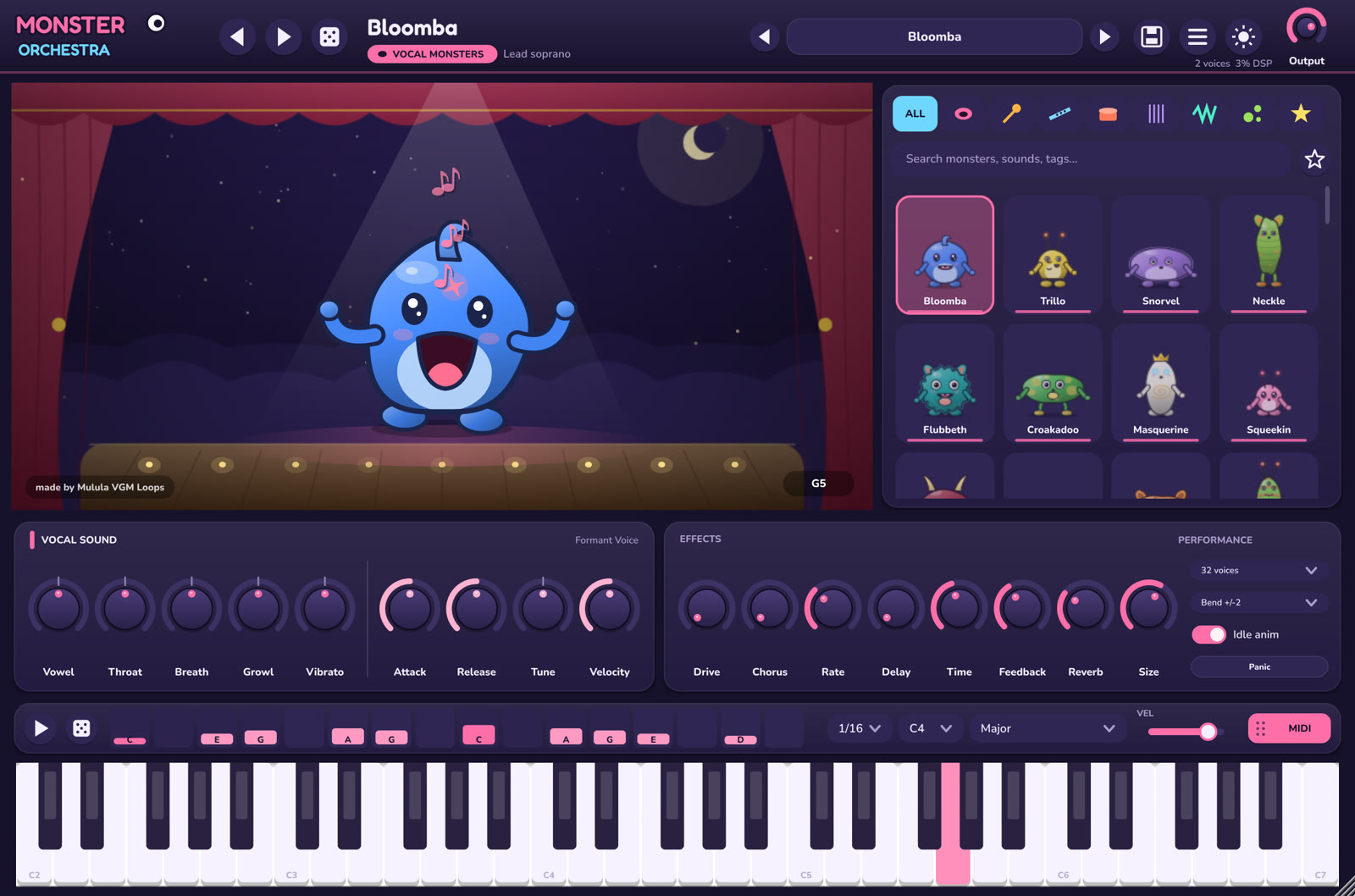
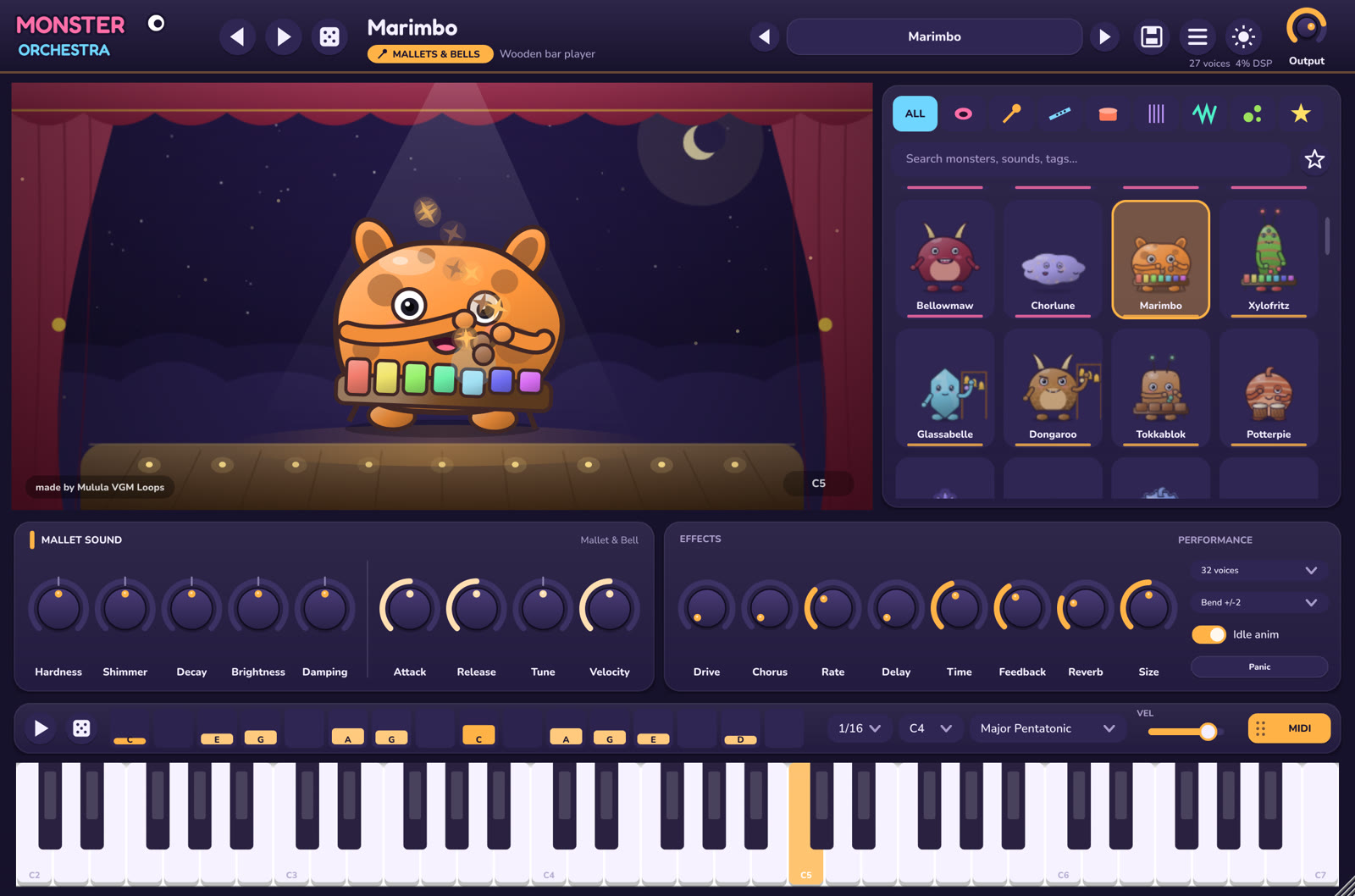
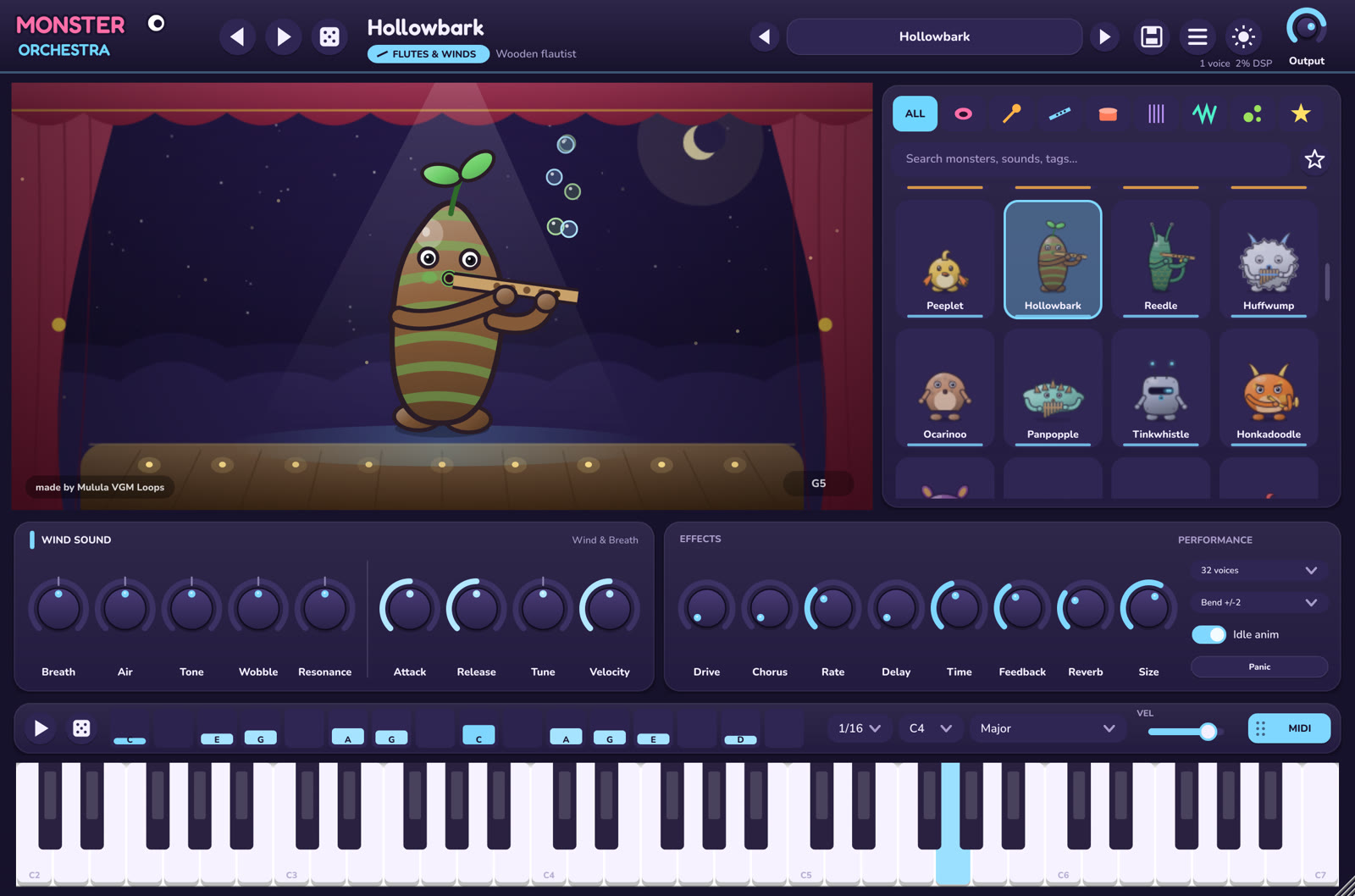
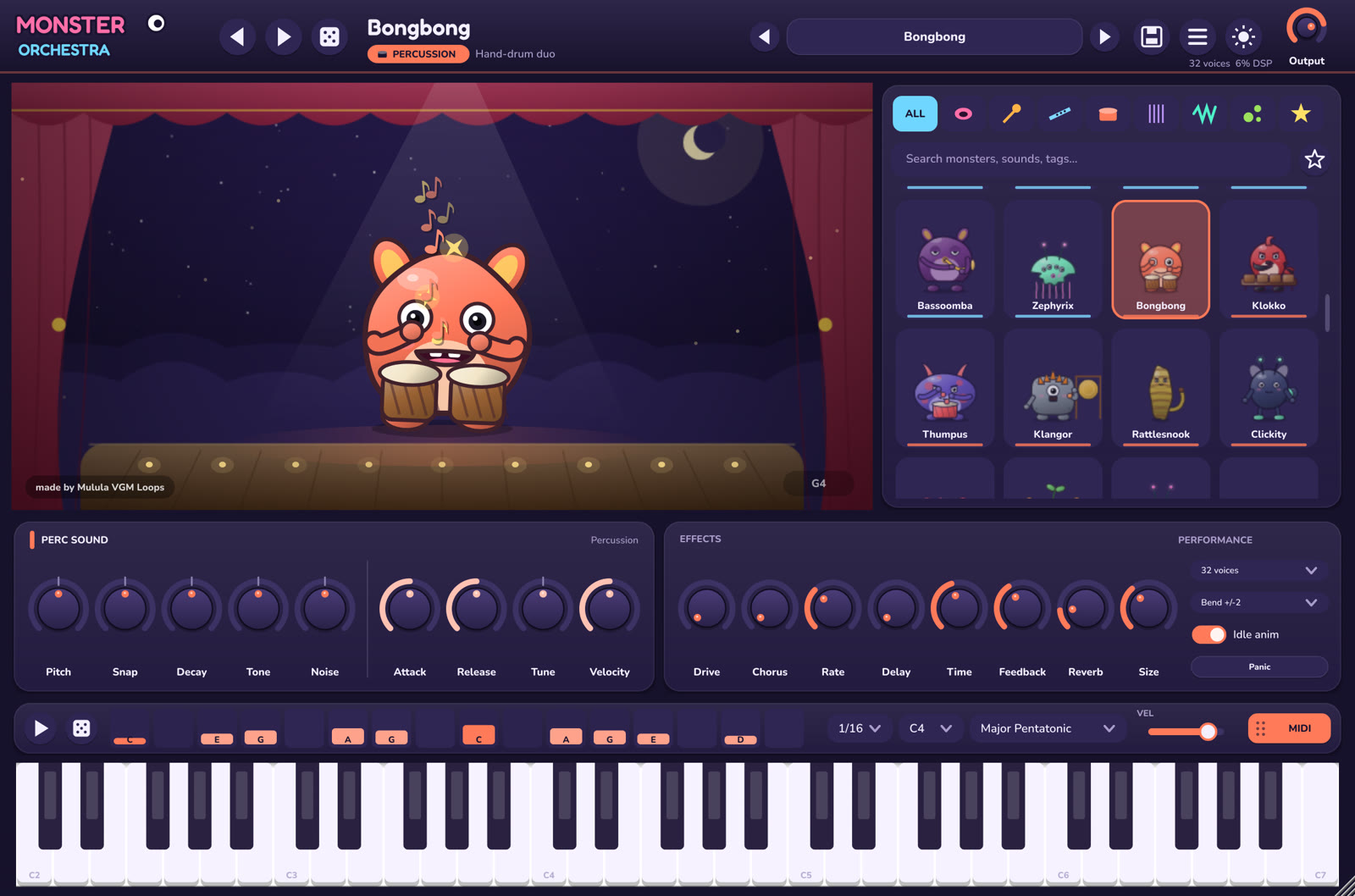
Five knobs named for that monster, like Vowel and Growl or Hardness and Shimmer, plus Attack, Release, Tune and Velocity.
Write and export
Sketch a melody in the scale-locked step sequencer and drag it into your DAW as a MIDI clip.
What's inside
Cute on the outside, serious synthesis inside.
80 original monsters
Singers, mallet cats, mushroom lutenists, chiptune critters, bubbling aliens and impossible hybrids. Each is a procedural character animated by your notes, with no two alike.
9 synthesis engines
Formant voices, modal resonators, mallets & bells, winds, percussion, plucked strings, FM, virtual analog and organic textures. Each monster stacks up to three.
Knobs that always do something
Every sound knob audibly changes every monster, even while notes are held. This is checked automatically for all 80 monsters.
Scale-locked sequencer
16 steps and 15 scales. Dragging a step moves by scale degrees, and the dice writes a new in-scale melody. Drag the pattern into your DAW as MIDI.
Built-in effects
Drive, chorus, ping-pong delay, reverb and an output limiter, with sensible settings for each monster.
202 presets + yours
80 core sounds and 122 curated variations, plus your own presets, favourites, search, MIDI learn, sustain, pitch bend and mod-wheel vibrato.
Listen
16 of the 80 monsters, each playing solo, straight out of the plug-in with its default sound.
- 01Bloomba - lead sopranoVocal Monsters0:10
- 02Chorlune - floating choirVocal Monsters0:10
- 03Marimbo - wooden bar playerMallets & Bells0:10
- 04Glassabelle - glass bell ringerMallets & Bells0:10
- 05Hollowbark - wooden flautistFlutes & Winds0:10
- 06Ocarinoo - clay ocarina eggFlutes & Winds0:10
- 07Bongbong - hand-drum duoPercussion0:10
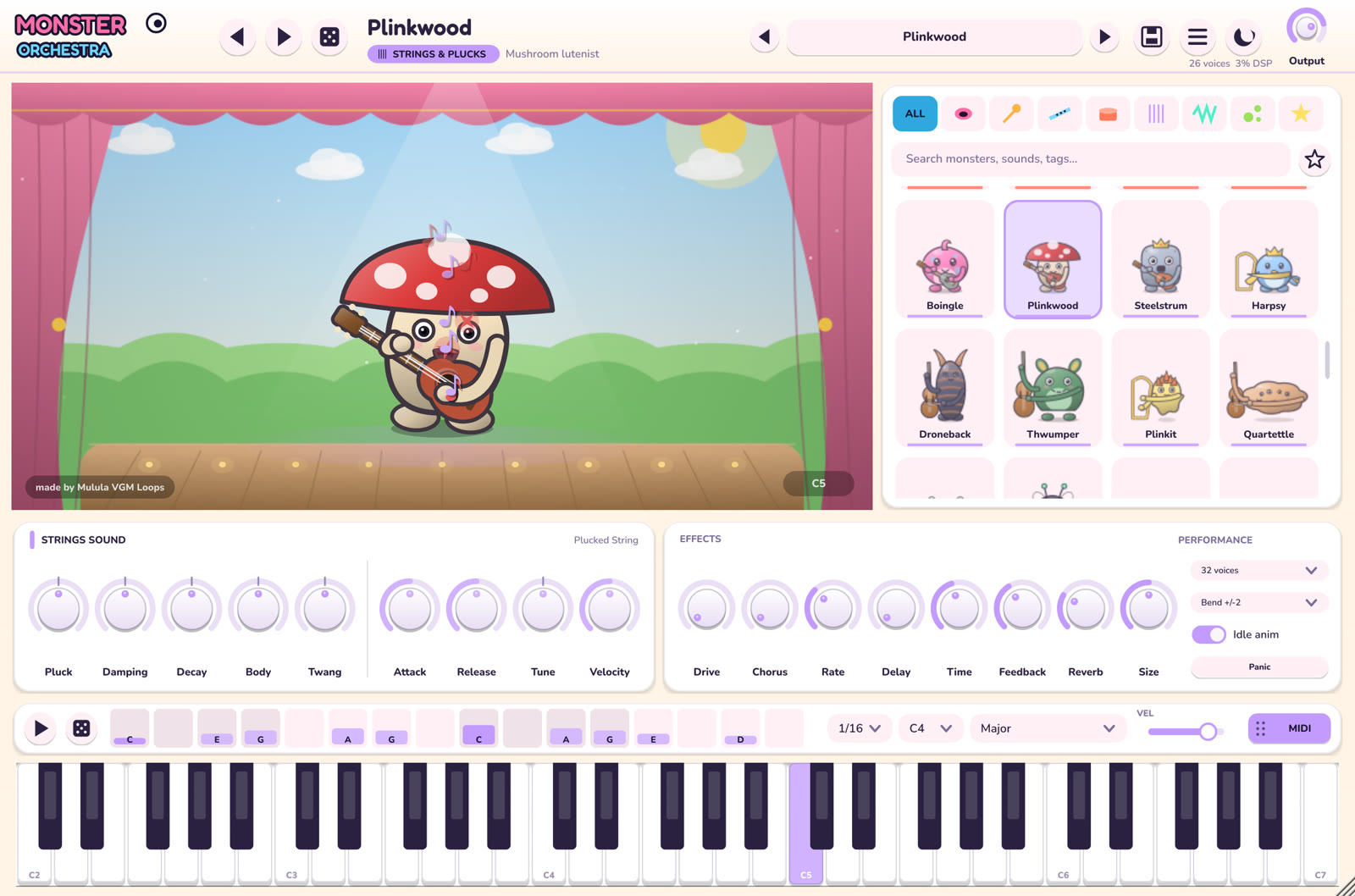
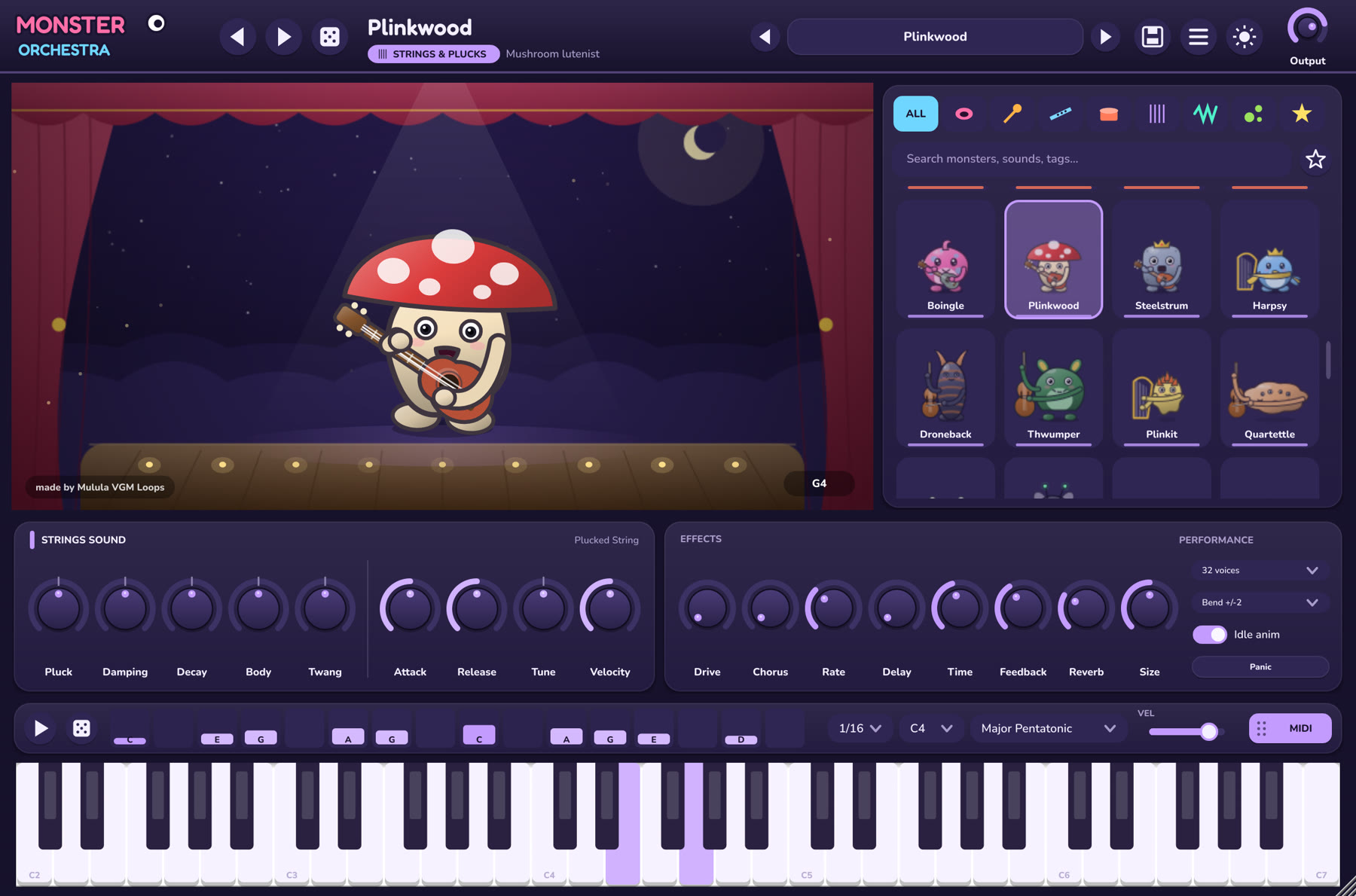
- 08Plinkwood - mushroom lutenistStrings & Plucks0:10
- 09Harpsy - pocket harpistStrings & Plucks0:10
- 10Droneback - bowed drone giantStrings & Plucks0:10
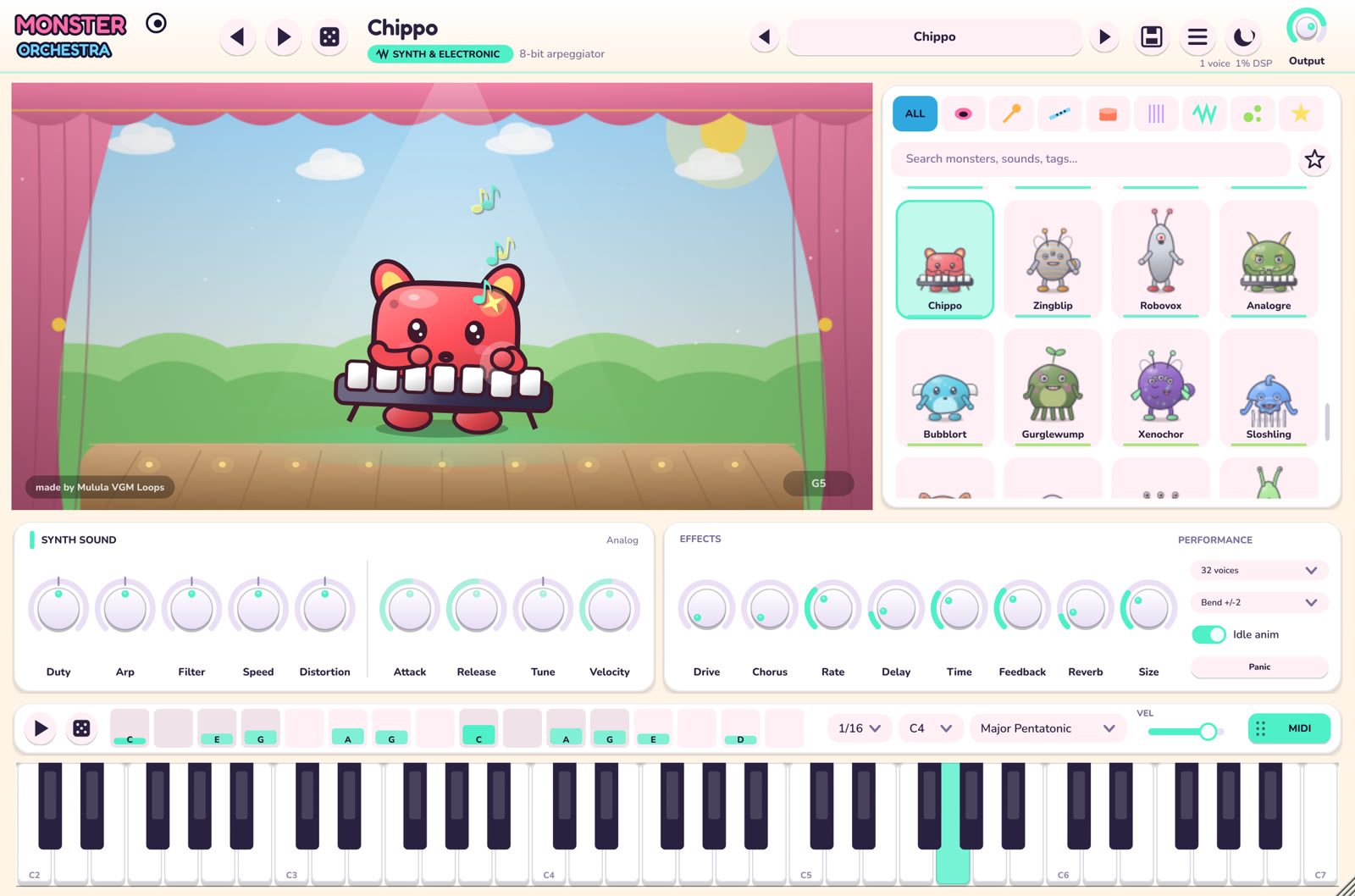
- 11Chippo - 8-bit arpeggiatorSynth & Electronic0:10
- 12Wubbadub - wobble-bass blobSynth & Electronic0:10
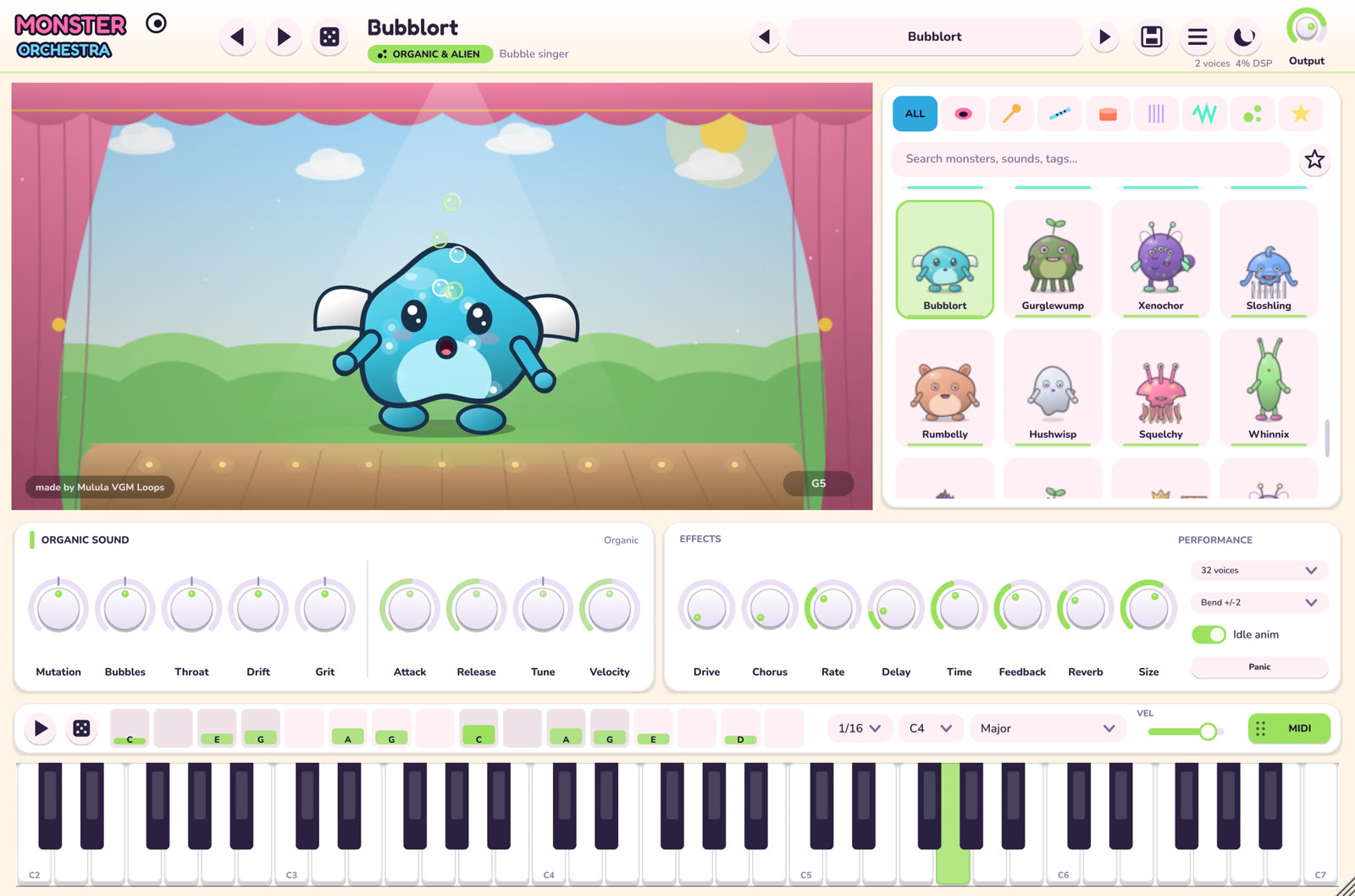
- 13Bubblort - bubble singerOrganic & Alien0:10
- 14Xenochor - alien insect choirOrganic & Alien0:10
- 15Belcantia - singing bellFantasy Hybrids0:10
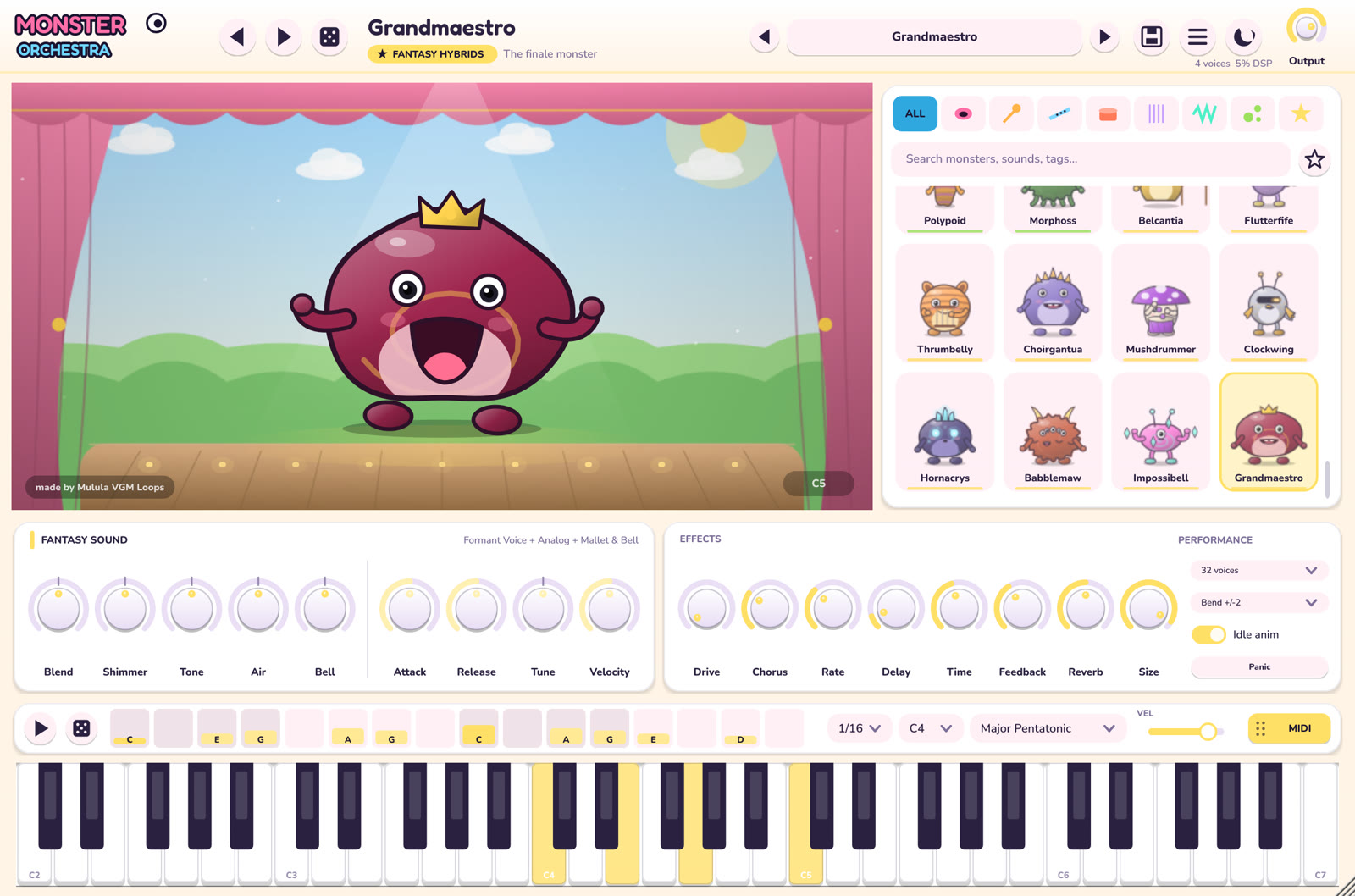
- 16Grandmaestro - the finale monsterFantasy Hybrids0:10
See the plug-in in action
Recorded straight from the plug-in window: eight monsters, one from each family, in the night and day themes. No editing, only Monster Orchestra's own sound.
Screenshots
Real captures of the plug-in window, one monster from each family. Click to enlarge.
Made for game music and fun
- Instant character for game scores, kids' content, cartoons and lo-fi beats
- Hybrid sounds you won't find in a sample library, all synthesised live
- Small download that loads instantly, with no libraries to install
- Night and day stage themes, and a window that scales to your screen
- MIDI learn on every knob for hands-on playing
- Up to 64-voice polyphony with smooth voice stealing
Requirements
- Windows 10 or 11, x64
- A DAW that hosts VST3 instruments, or use the standalone app
- About 18 MB download; the installer adds the VST3 and/or the app
- Unlock once with the licence key from your Gumroad receipt (internet needed only for that check); after that everything runs offline
- The installer isn't code-signed yet. If Windows SmartScreen appears, click "More info" and then "Run anyway"