
Aether Orchestra
Hold one key. Hear a whole orchestra. Pick a story and up to ten instruments play their parts on the chord you hold, in your key and scale, in time.
VST3 + Standalone for Windows 10/11 (64-bit). Works offline after activation.
How it works
No arranging, no wrong notes. You choose the mood and the chords; the ensemble does the rest.
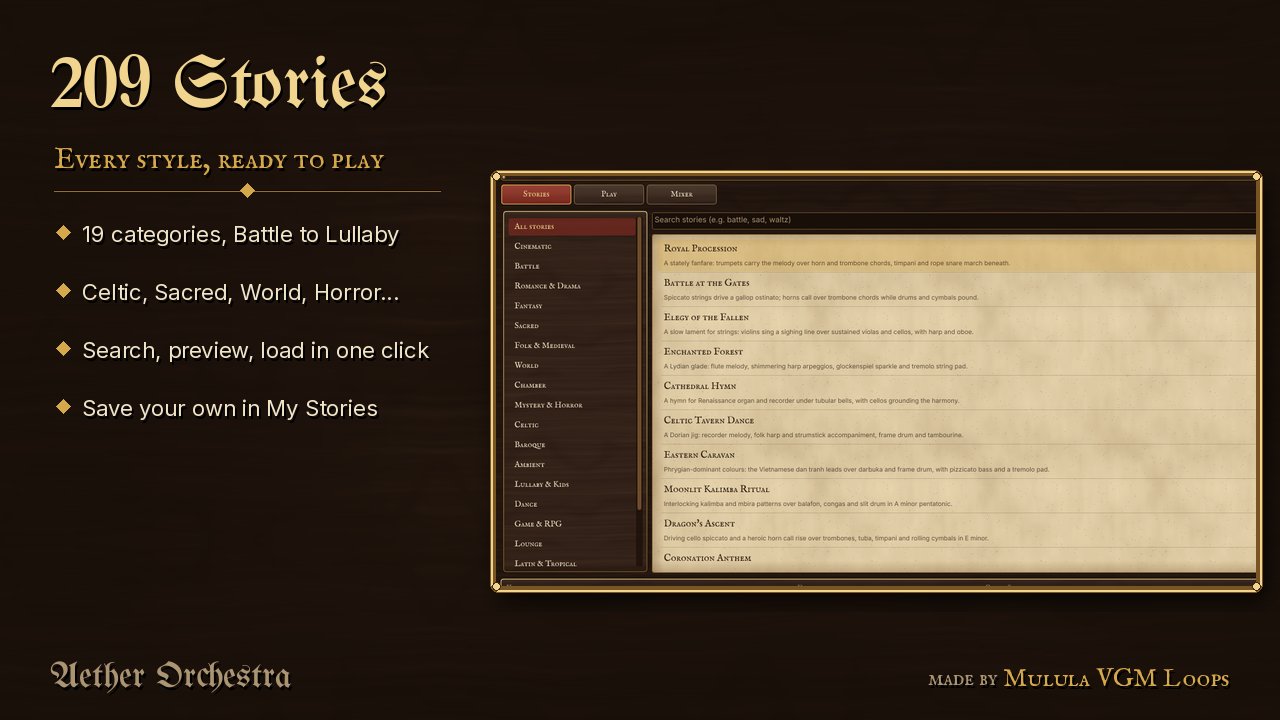
Pick a story
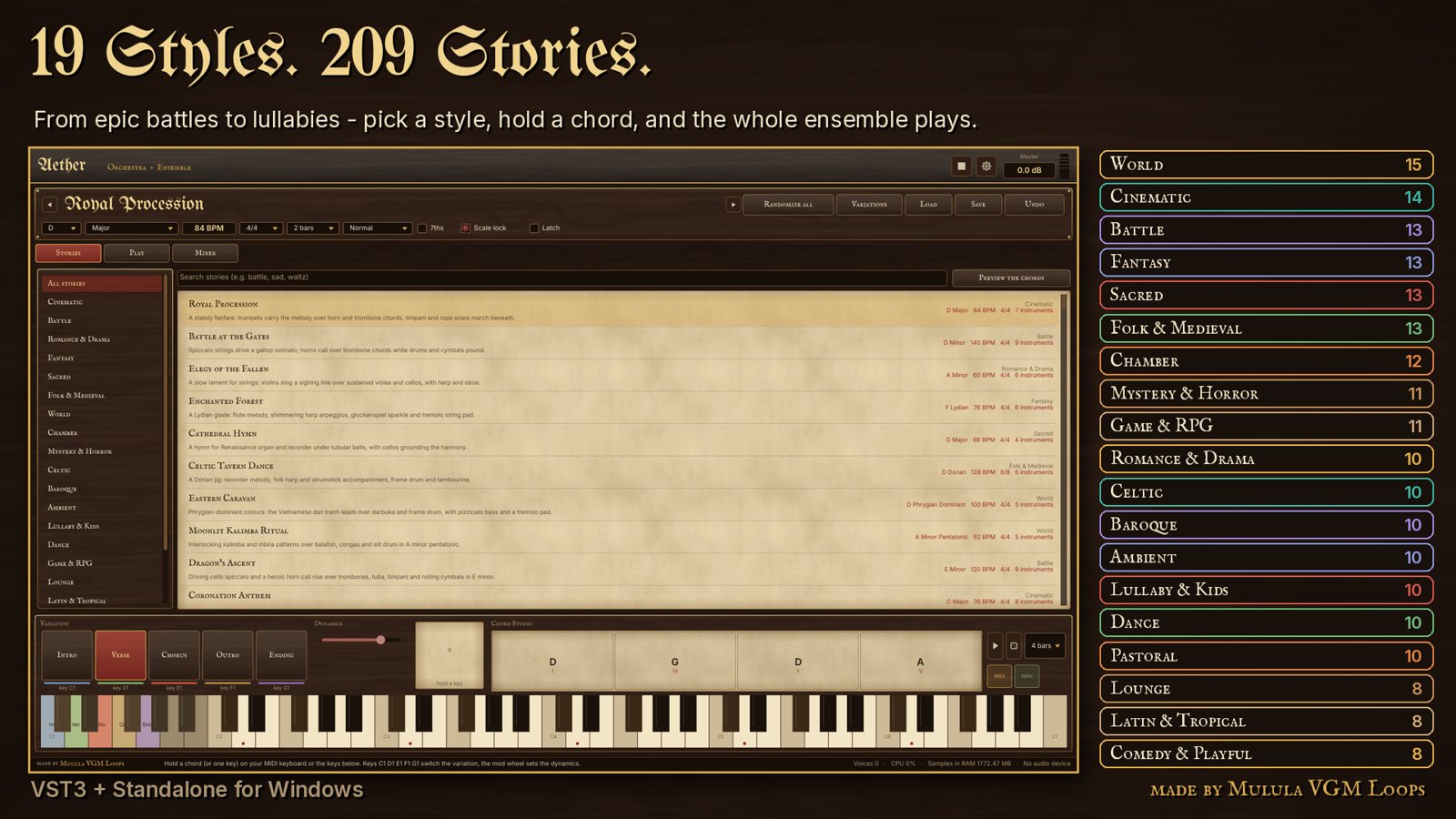
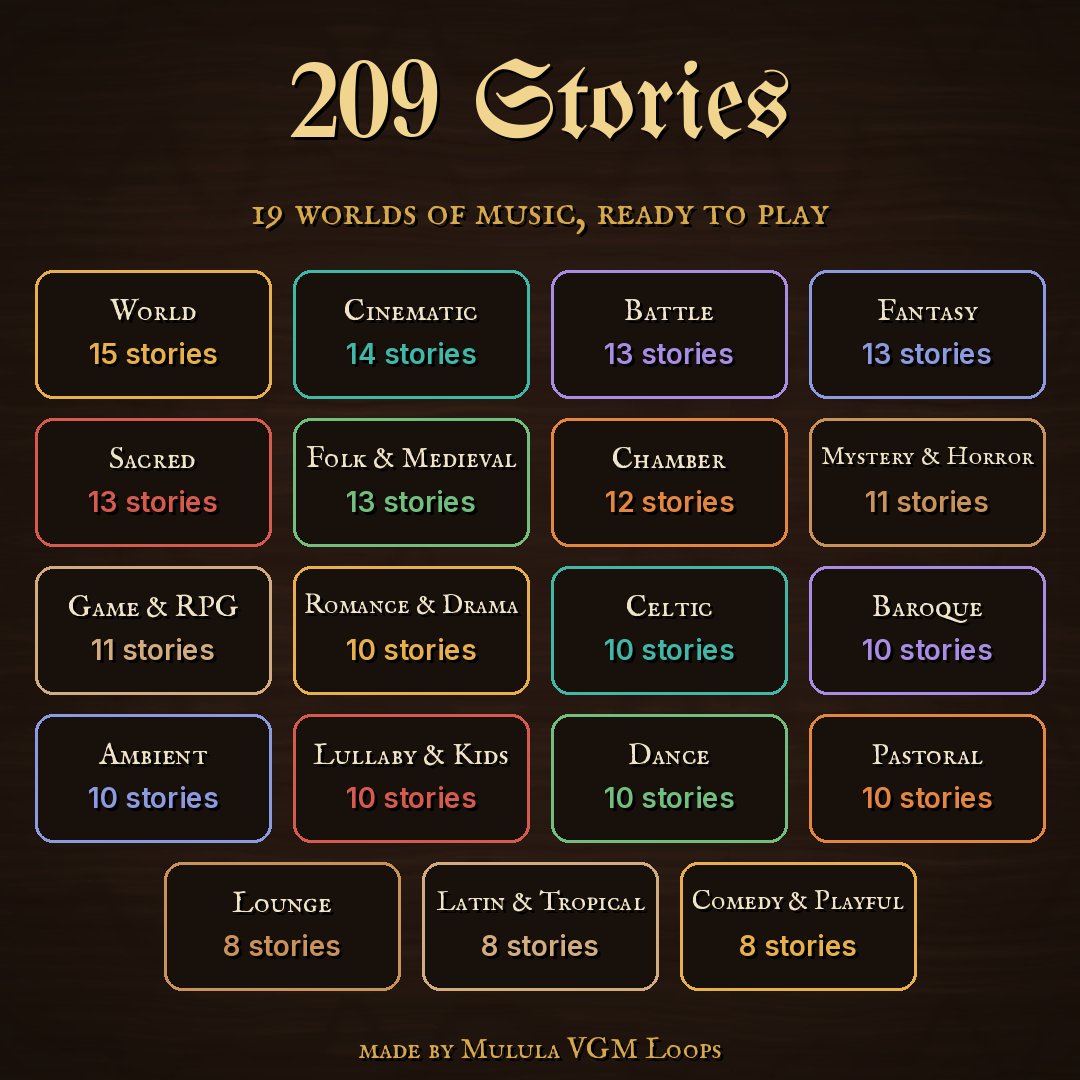
Browse 209 stories in 19 styles or search by mood: battle, sad, waltz, kalimba... Each story is a complete ensemble with its own parts and mix.
Hold a chord or one key
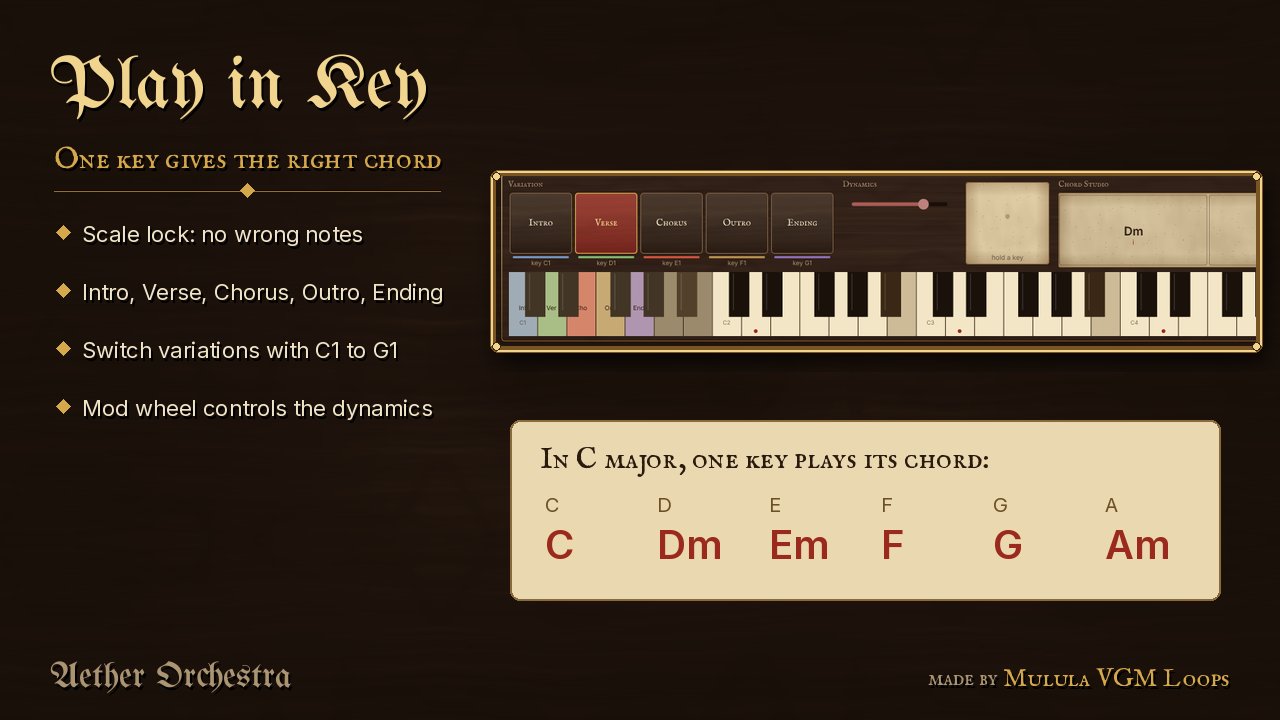
With scale lock, one key plays the right chord of the scale. Every instrument follows it in time, from your MIDI keyboard or the on-screen keys.
Arrange & export
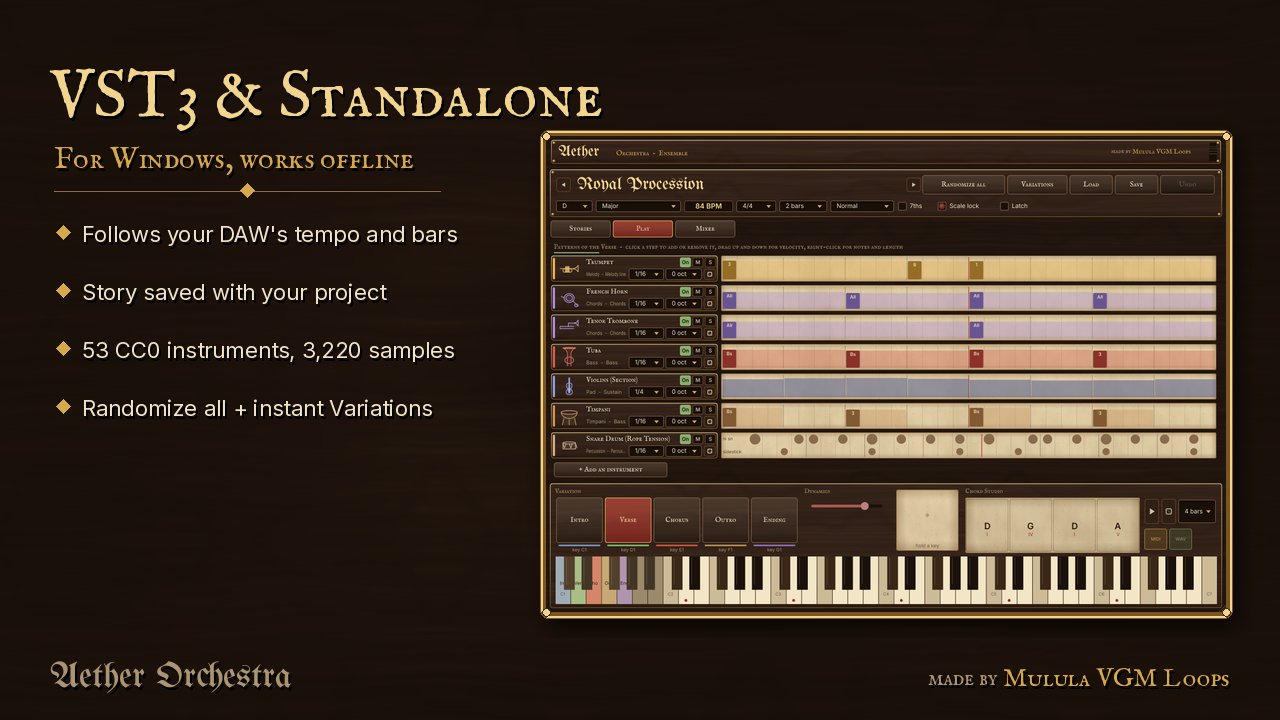
Switch Intro, Verse, Chorus, Outro and Ending live, write a progression in the Chord Studio, then drag MIDI or WAV into your DAW.
Everything you need to sketch a score
Scale lock & latch
One key plays the scale's chord on that note. Latch keeps the ensemble playing while you tap the next chord. 7ths, sustain pedal and mod-wheel dynamics included.
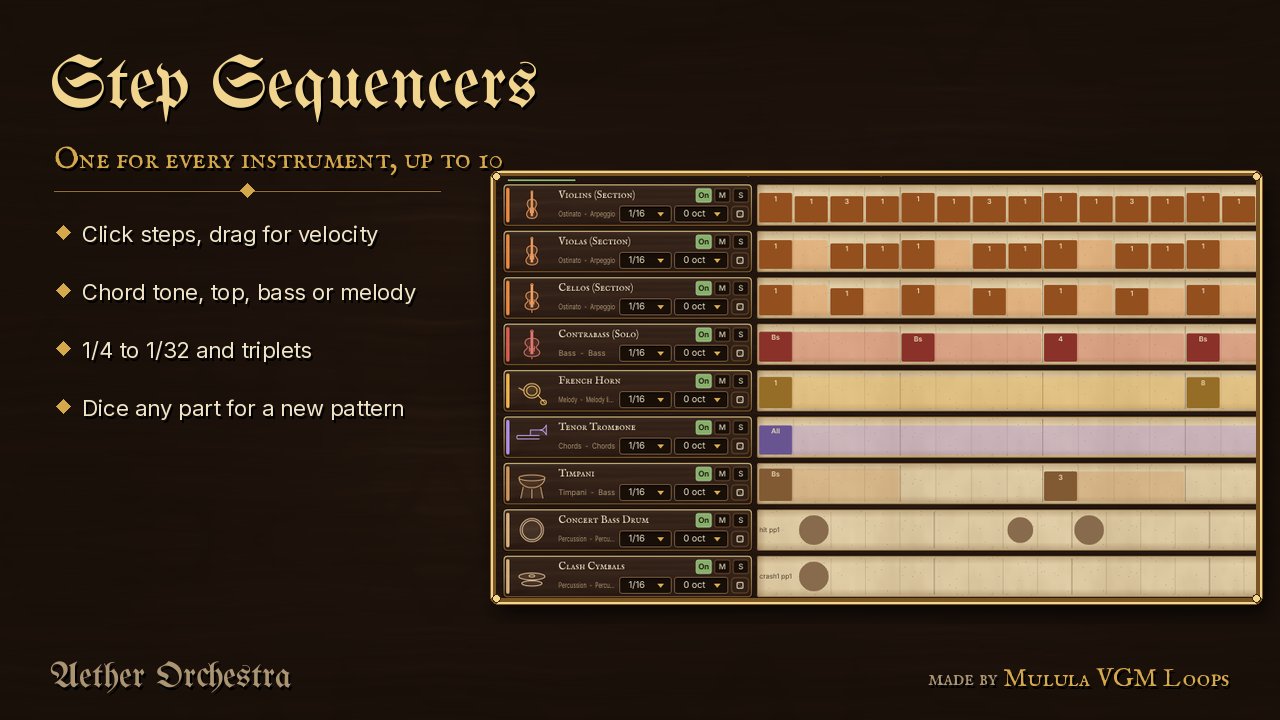
A step sequencer per instrument
Click steps, drag velocity, choose chord tones or melody steps, from 1/4 to 1/32 with triplets. Roll a new pattern for any instrument with the dice.
Randomize all
A brand-new ensemble in one click: style, instruments, key, scale, tempo, meter, patterns, mix and chords. Undo goes back.
Variations
Similar, more complex, simpler, more rhythmic, darker, brighter or new instruments, or a batch of 5, 10 or 20 new versions of any story.
Chord Studio
A 4 or 8 bar progression that plays by itself. Change any chord, its colour (7ths, sus, dim...) or roll a new sequence.
Mixer & export
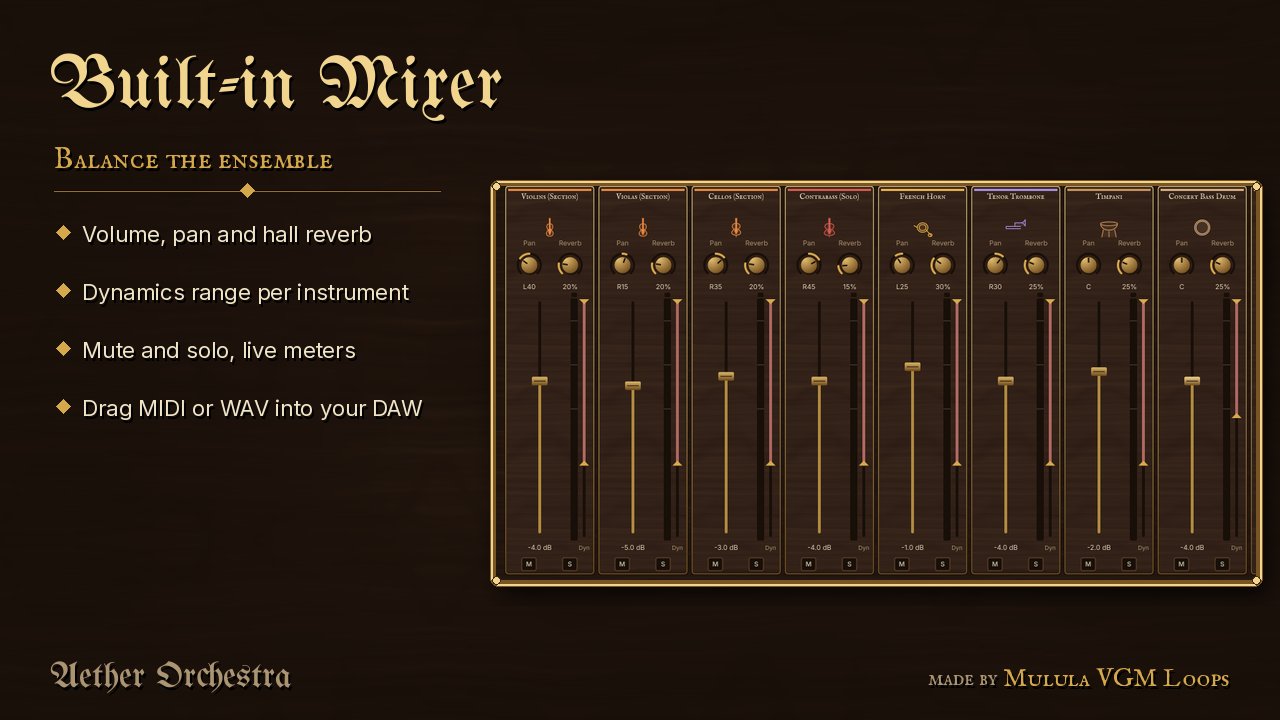
Volume, pan, hall reverb and dynamics range per instrument. Export MIDI (one track per instrument) or WAV by dragging into your DAW.
See and hear it
All music in these videos is played by Aether Orchestra, recorded straight from the app.
Screenshots
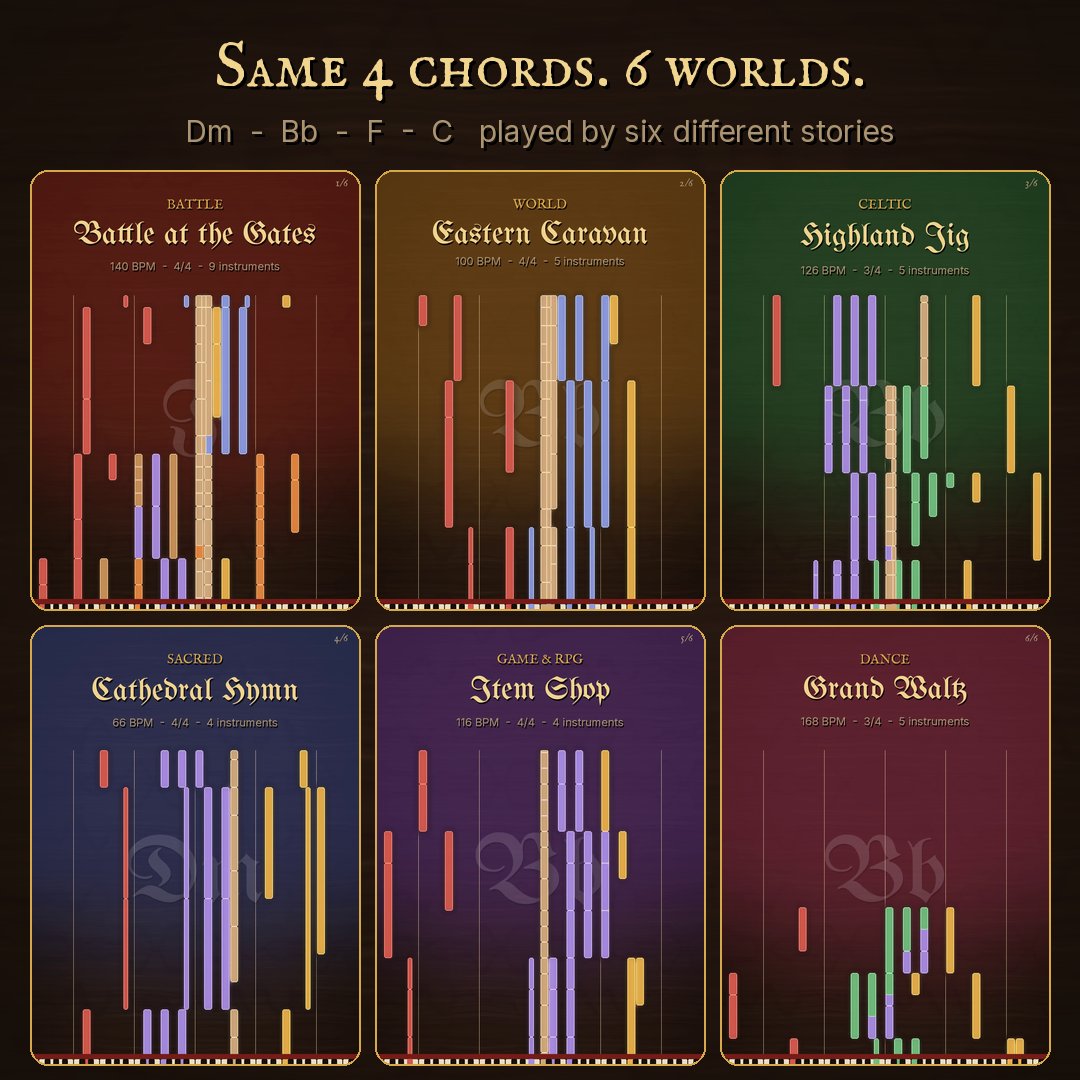
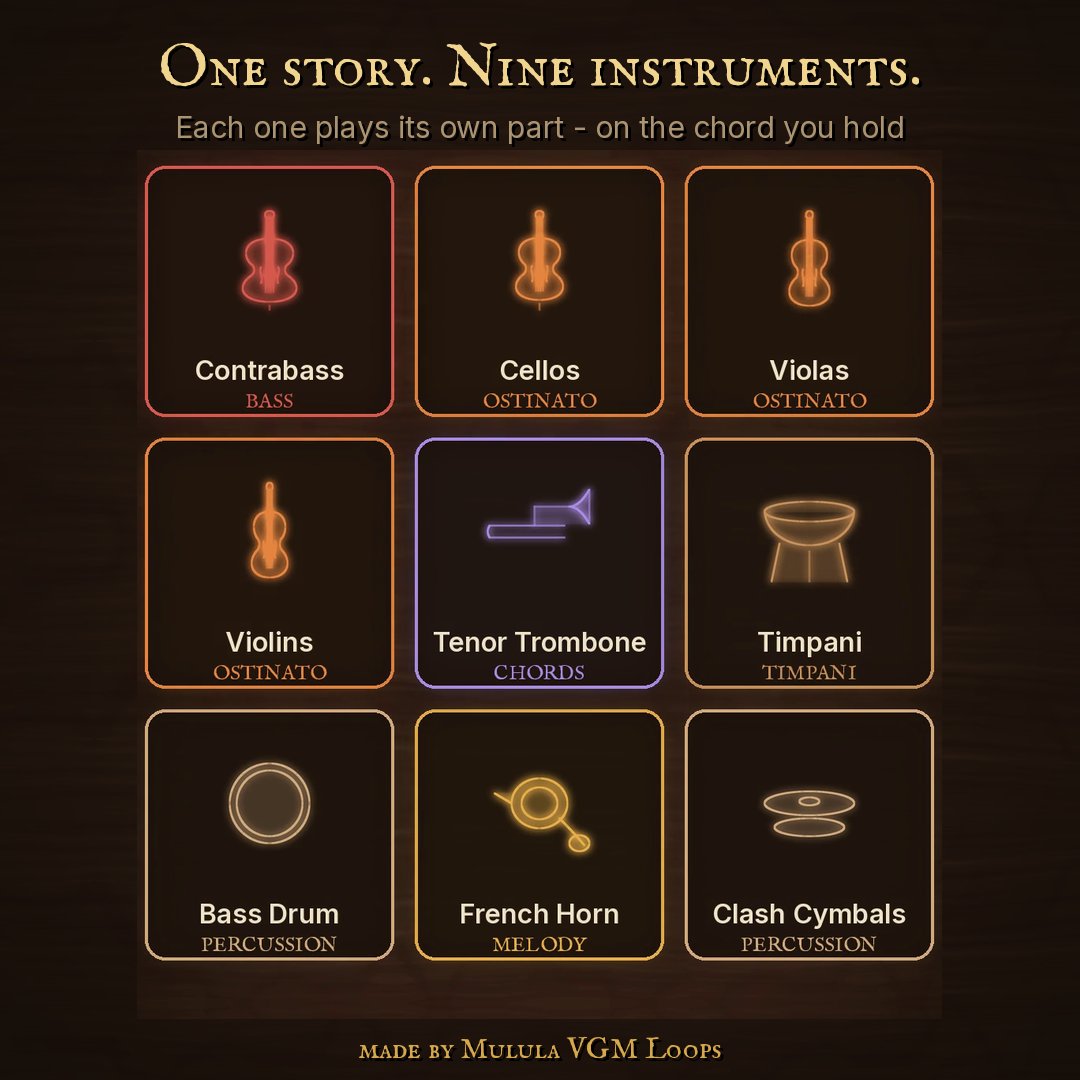
19 styles, 209 stories
From epic battles to lullabies. Every story has its own instruments, patterns for five sections, mix, key, tempo and chord progression.
Requirements
- Windows 10 or 11, 64-bit
- VST3 host (Reaper, Cubase, Studio One, FL Studio, Ableton Live...) or the included standalone app
- About 3 GB of disk space (2.9 GB sample library)
- Internet once, to activate. One licence works on up to 5 of your computers
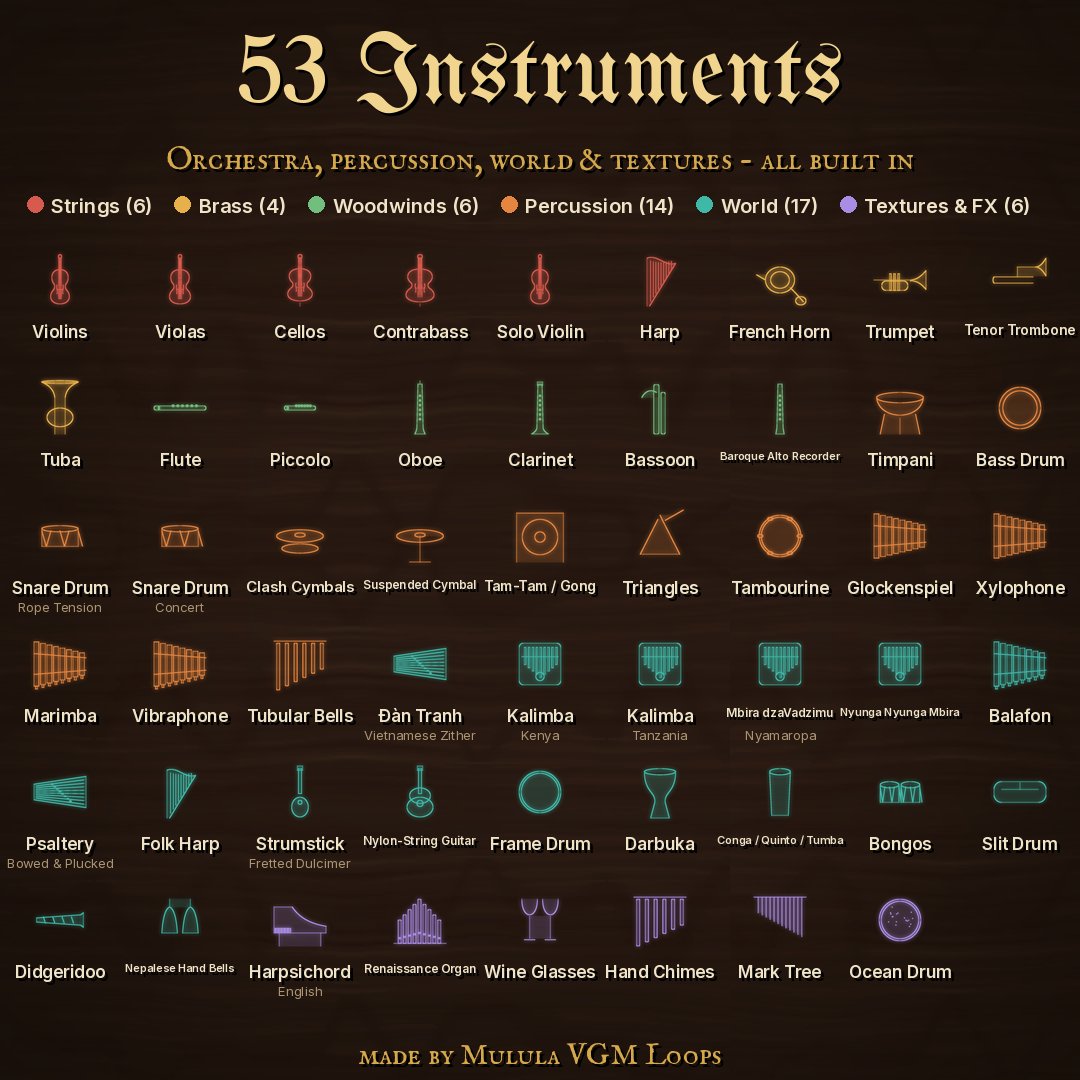
- 53 instruments, 3,220 samples from CC0 (public-domain) libraries